Update supported apps
Using Update-Evergreen
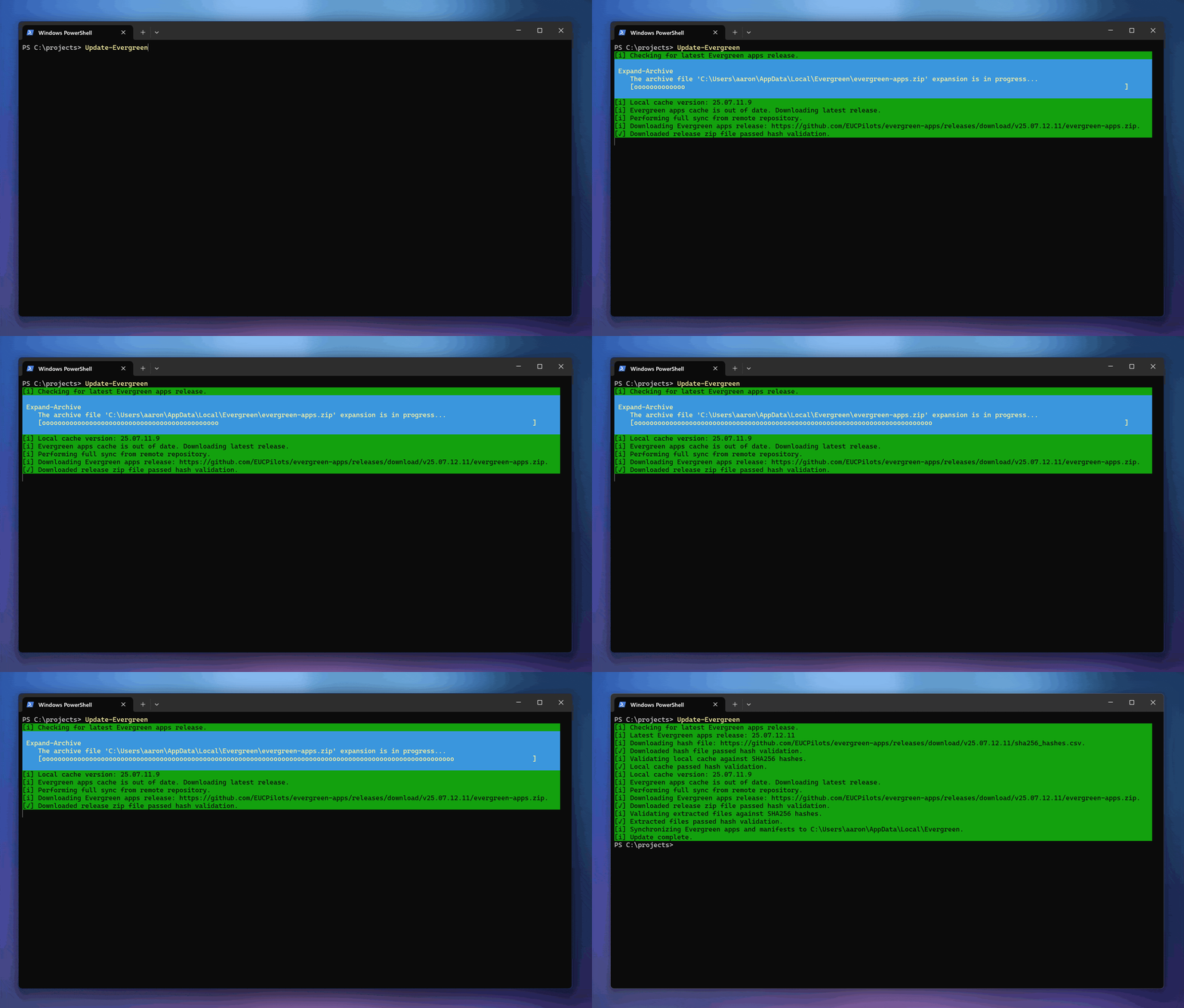
After the Evergreen module is installed, the supported application functions need to be downloaded with Update-Evergreen. This function displays readable status that should work for an interactive session and non-interactive CI deployments (e.g. Azure Pipelines and Github Workflows).
WARNING
The Evergreen module requires the application functions and manifests to work. Ensure that you run Update-Evergreen as the first action after installing Evergreen.
Update-Evergreen downloads the latest Evergreen apps and manifests release from the eucpilots/evergreen-apps repository, unpacks the files and stores them locally.
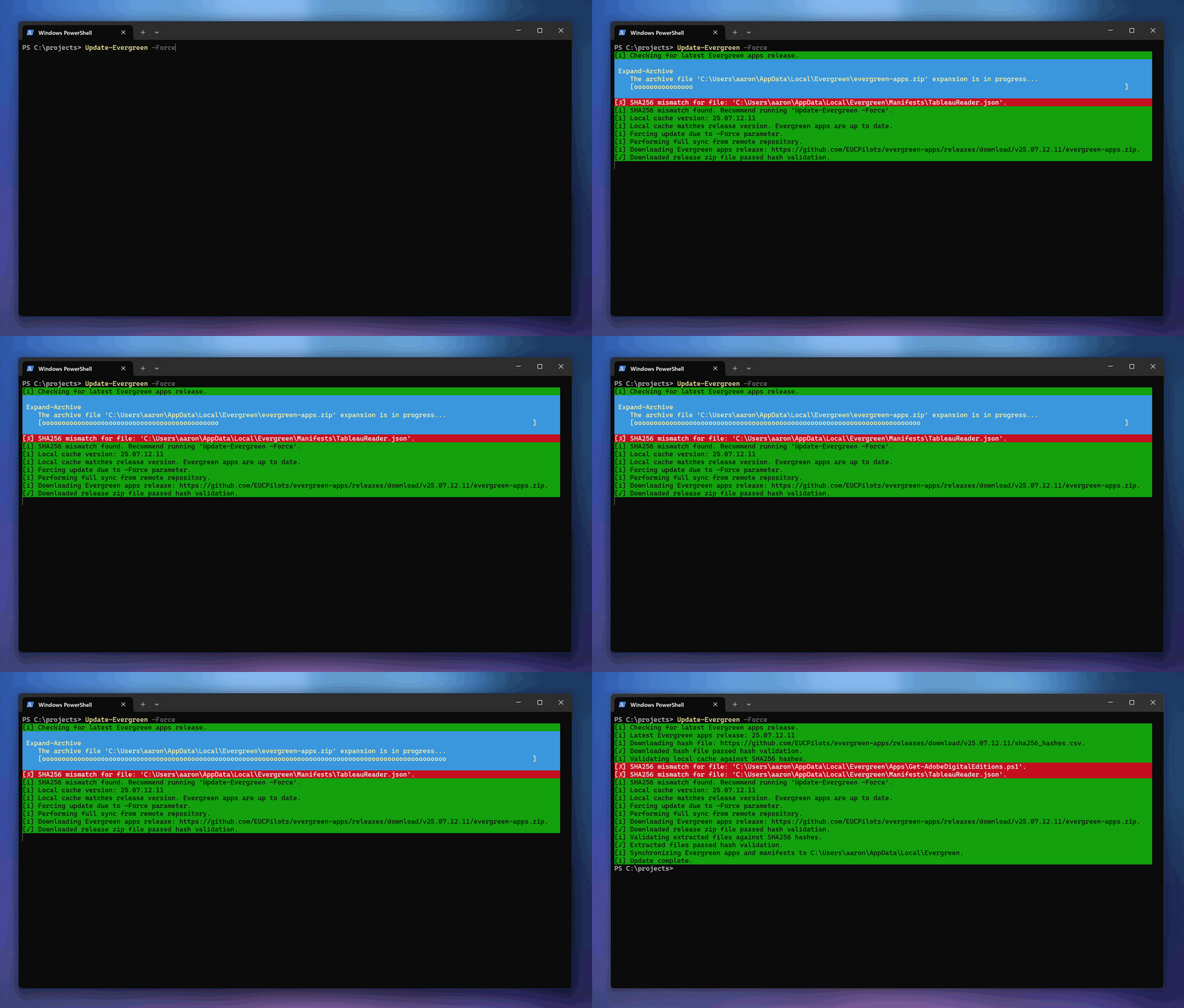
This function supports the -Force parameter to force the download of the latest release of the per-application functions even if you already have these locally. This approach should enable the administrator to update Evergreen where the locally cached copies of the functions are perhaps broken.
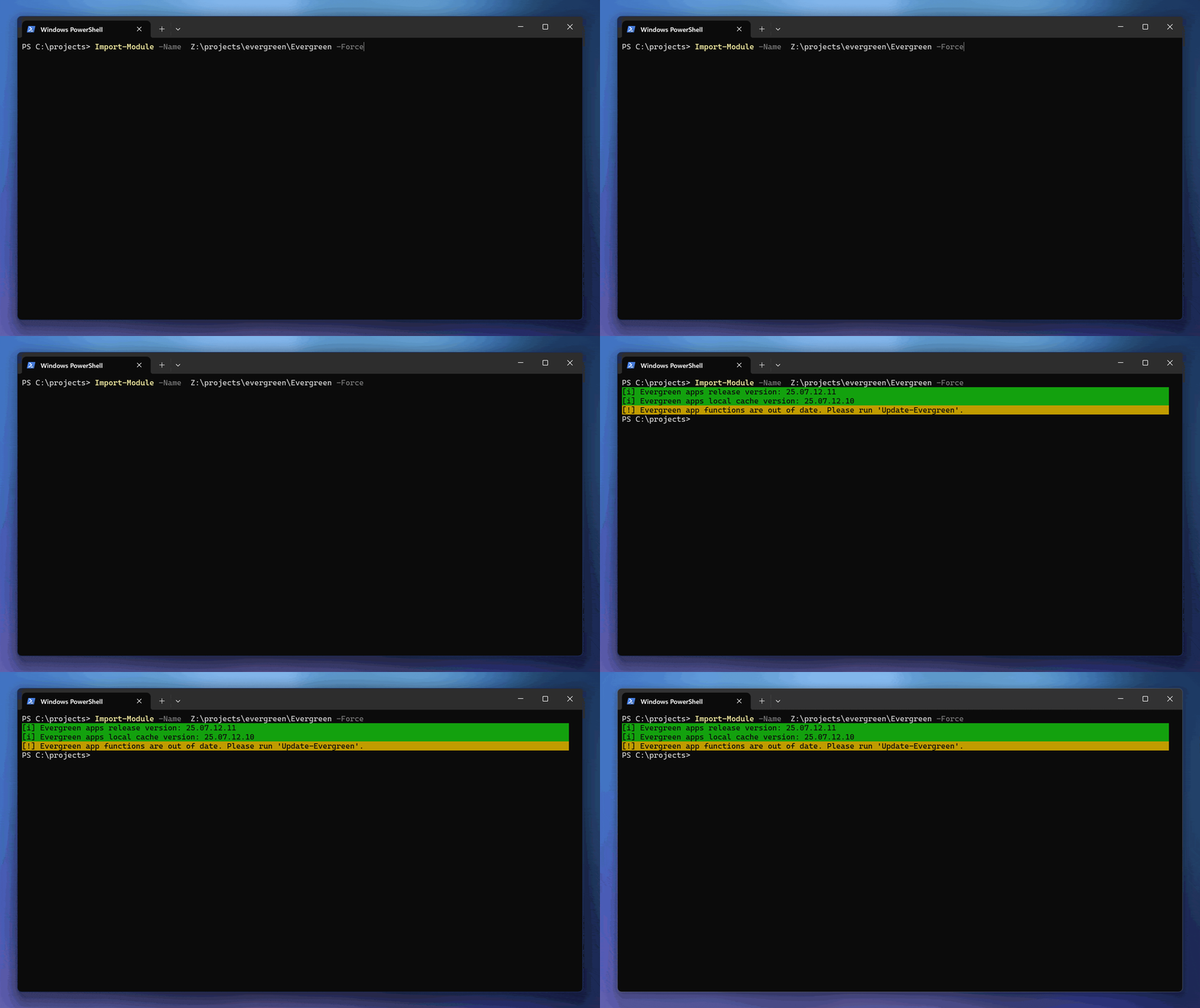
When importing Evergreen where the local cache is out of date, you will be prompted to update:
Updating to a specific release
The default behaviour of Update-Evergreen is to update the the latest release from the eucpilots/evergreen-apps repository. There may be instances where you want to download a specific release instead of the latest.
Update-Evergreen supports the -Release parameter. This accepts a release tag similar to v25.10.02.22. The -Force parameter is required then specifing a release:
Update-Evergreen -Release "v25.10.02.22" -ForceUpdate behaviour
Evergreen uses the following behaviour and rules when
- When the Evergreen module is imported, a check is made for the latest release and the administrator is notified whether the local cache is out of date.
- Running
Update-Evergreenis required - the local cache is not automatically updated when the module is imported. - When running
Update-Evergreen, if the local cache is out of date, the cache is automatically updated to the latest release. - If you make direct changes to the local cache, and the remote release and local cache versions match,
Update-Evergreenwill display the mismatched files, but will not perform an update. RunUpdate-Evergreen -Forceto re-sync the local cache. - If you download a specific Evergreen apps release, the local cache will be out of date. If you run
Update-Evergreenagain, the local cache will be updated to the latest release.
Cache location
Evergreen stores application functions and manifests in the following locations:
- Windows -
%LocalAppData%\Evergreen - macOS and Linux -
~\.evergreen
The current cache location can be returned with Get-EvergreenAppsPath:
PS C:\> Get-EvergreenAppsPath
C:\Users\aaron\AppData\Local\Evergreen
Set a custom cache location
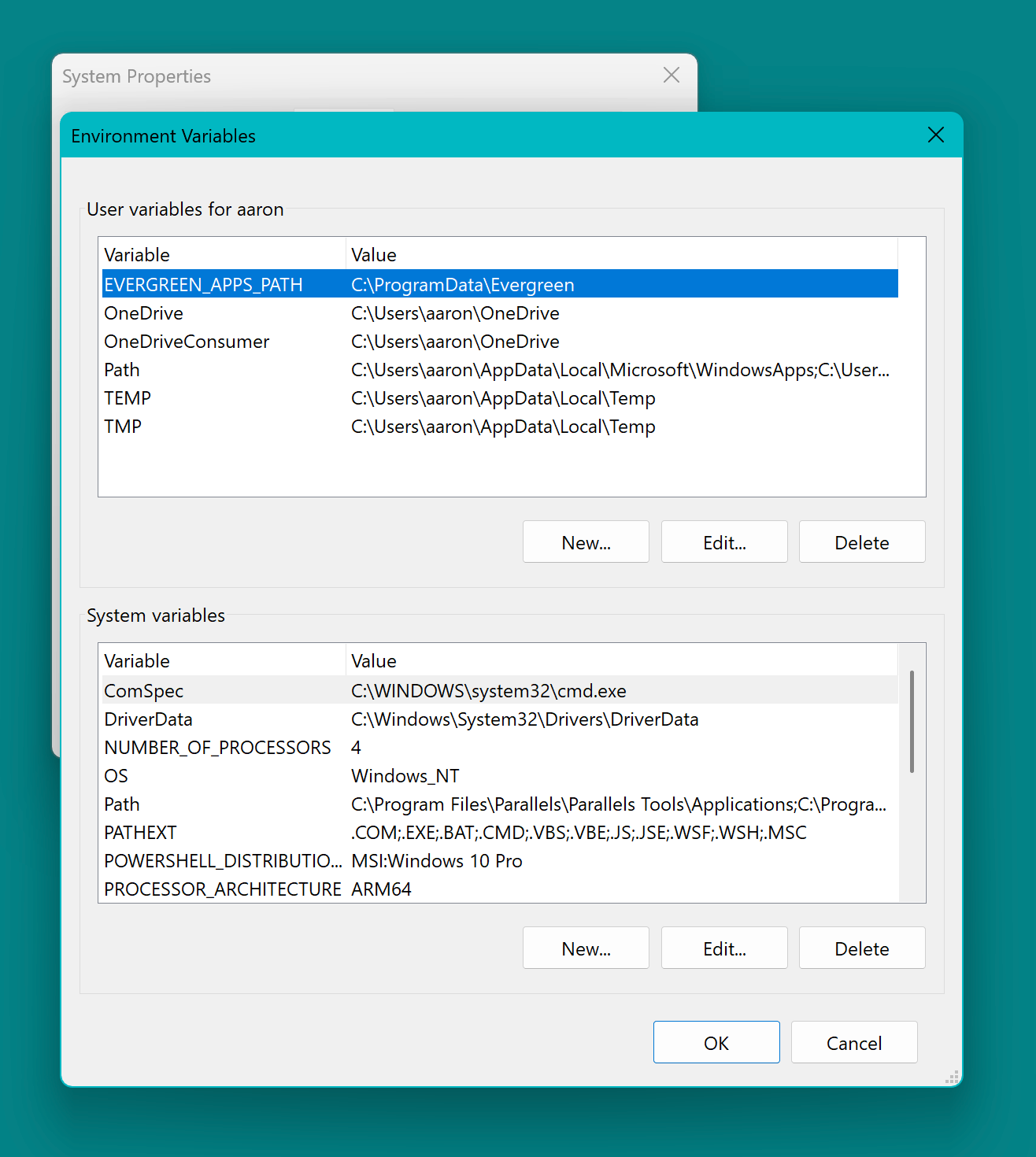
A custom cache location can be set with the EVERGREEN_APPS_PATH environment variable. Configure this variable in the user or system context and ensure it points to a valid path.